How to Reset Bypass FRP Lock Itel A14 Max
if you own Itel A14 Max Smartphone having FRP lock issue then you’re on an accurate Place. Here we have a tendency to Share a Step by Step Guide how to FRP lock unlock...

Security Status: SAFE
Scanned by 65+ antivirus engines • No threats detected
Screenshots & Preview
Click on images to view full size (1 images)
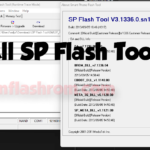
if you own Itel A14 Max Smartphone having FRP lock issue then you’re on an accurate Place. Here we have a tendency to Share a Step by Step Guide how to FRP lock unlock bypass on Itel A14 Max without box. There no need full flash, no need dead risk Download FRP unlock files without password. Itel A14 Max FRP Reset uses SPD Upgrade Tool.
What is FRP/Factory Reset Protection?
Factory Reset Protection (FRP), could be a security feature on Android devices with Lollipop 5.1 and higher version. FRP is automatically activated when you set up a Google Account (Gmail) on Your Android device. Once FRP is activated, it prevents the use of an Android device after a factory data reset, until you log in using a Google username.
Requirement:
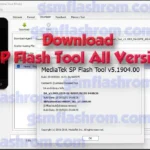
- Latest SPD Upgrade Tool.
- Pac File From Firmware Here.
- SPD SCI USB Driver.
How To Reset FRP Lock/Gmail Account on Itel A14 Max?
Warning:
- Unlocking the bootloader will Erase all of your data. make sure backup of Your Personal Data. Like Contact Msg’s etc.
- Please do Carefully, We are not Responsible for any damage your Android device, bootloop, or dead SD card’s.
- Ensure that Your device at-least 50-60% charge During Process. to Stop the Accidentally Shut Down.
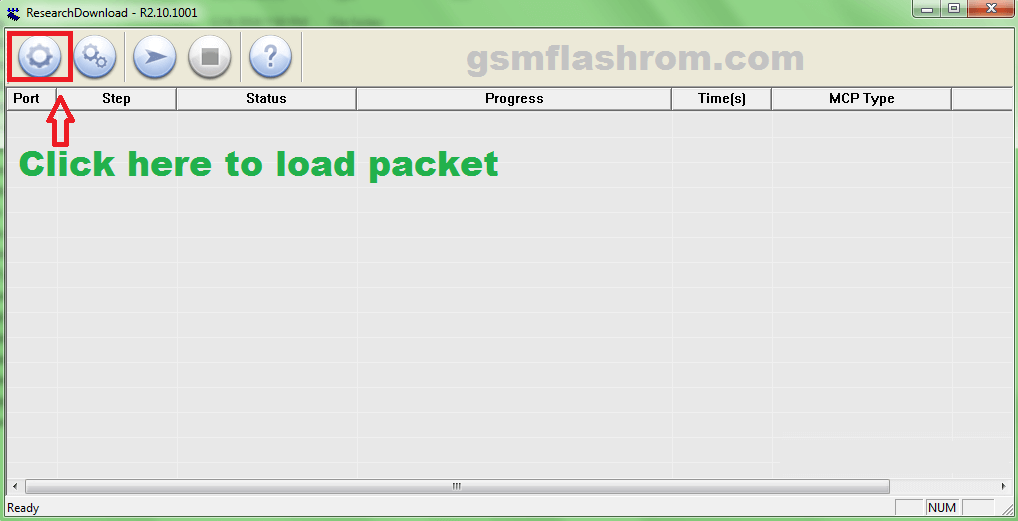
1. Run SPD Flash Tool Then click here to open .pac file.
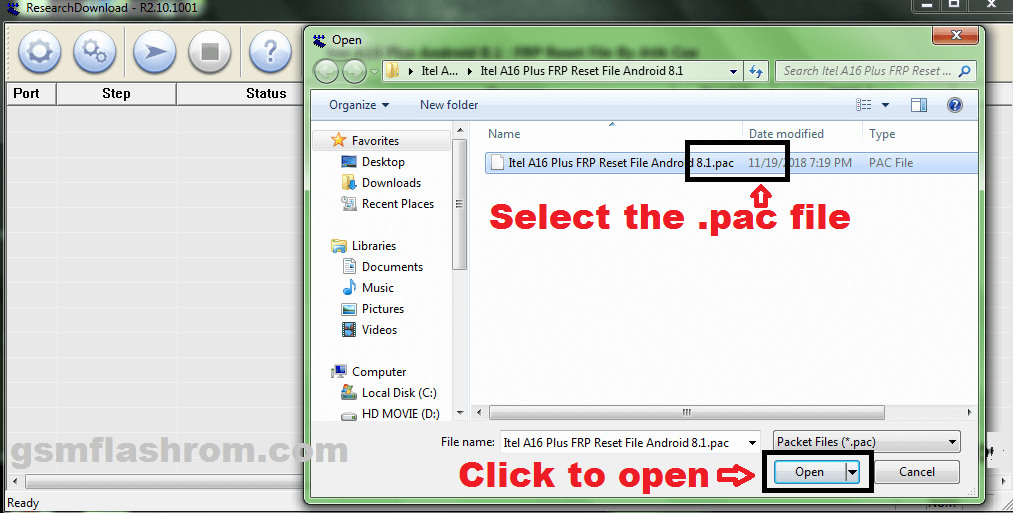
2. Select the .pac file (stock rom which comes as .pac) and click to open.
3. After loading the file now click to Start.
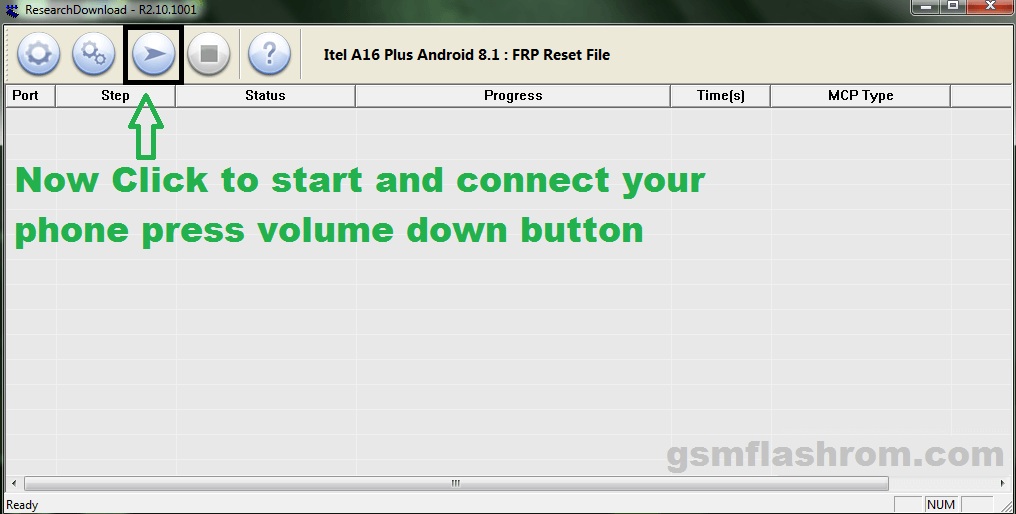
4. Make sure your device is switched off, now connect your phone hold the volume down button to begin the flashing.
5. Once flashing is completed, you will be able to see the Green Passed Message in SPD Upgrade Tool.
6. Done FRP Reset Successfully, Disconnect to Switch on Phone And Enjoy.
Note: This process is 100% safe. But if you do anything wrong and got bricked your device then any of us are not responsible for your action. We can only give you a suggestion, nothing more.
All device names, logos, and brands are the property of their respective owners. All company, device and service names used in this Blog are for identification and learning purposes only.
Stay with Gsm Flash Rom for how to downloading installing any Android phone’s official firmware/flash file full free.
Easy Installation
Simple setup process with clear instructions
Safe & Secure
Scanned and verified free from malware
Fast Download
Multiple mirror servers for fastest download speeds
System Requirements
Minimum Requirements
Recommended
- Latest version with all current features
- Bug fixes and performance improvements
- Security updates and patches
- Compatibility improvements
Rate & Review This Software
User Reviews
No reviews yet. Be the first to review!
About the Author / Developer